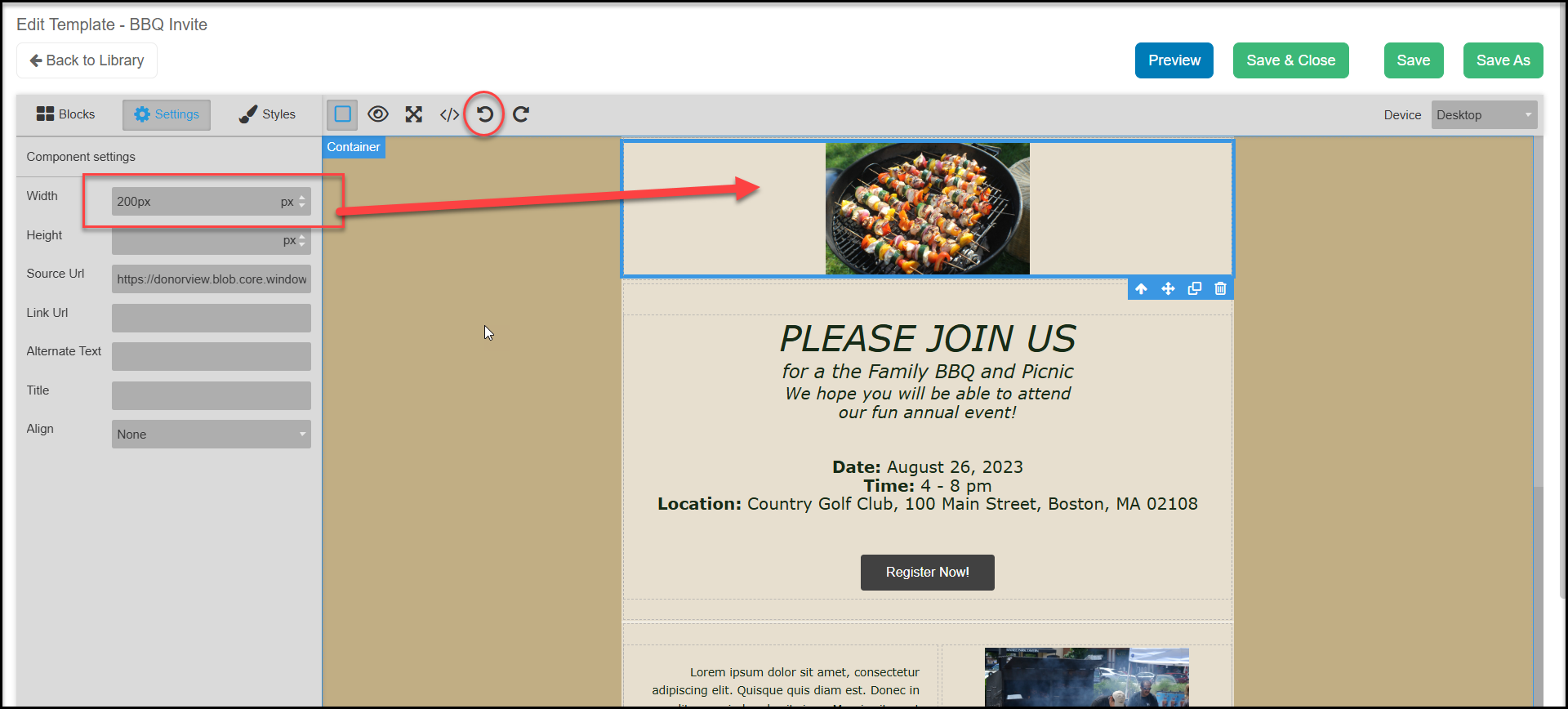
For pixel width, the software automatically fits the image into the column width. The default column width is 600 pixels, which is standard for most emails so that images show clearly in email clients like Outlook and Yahoo. You can adjust this up to 1200 pixels by selecting the Container and updating the Dimensions with the Styles tab.
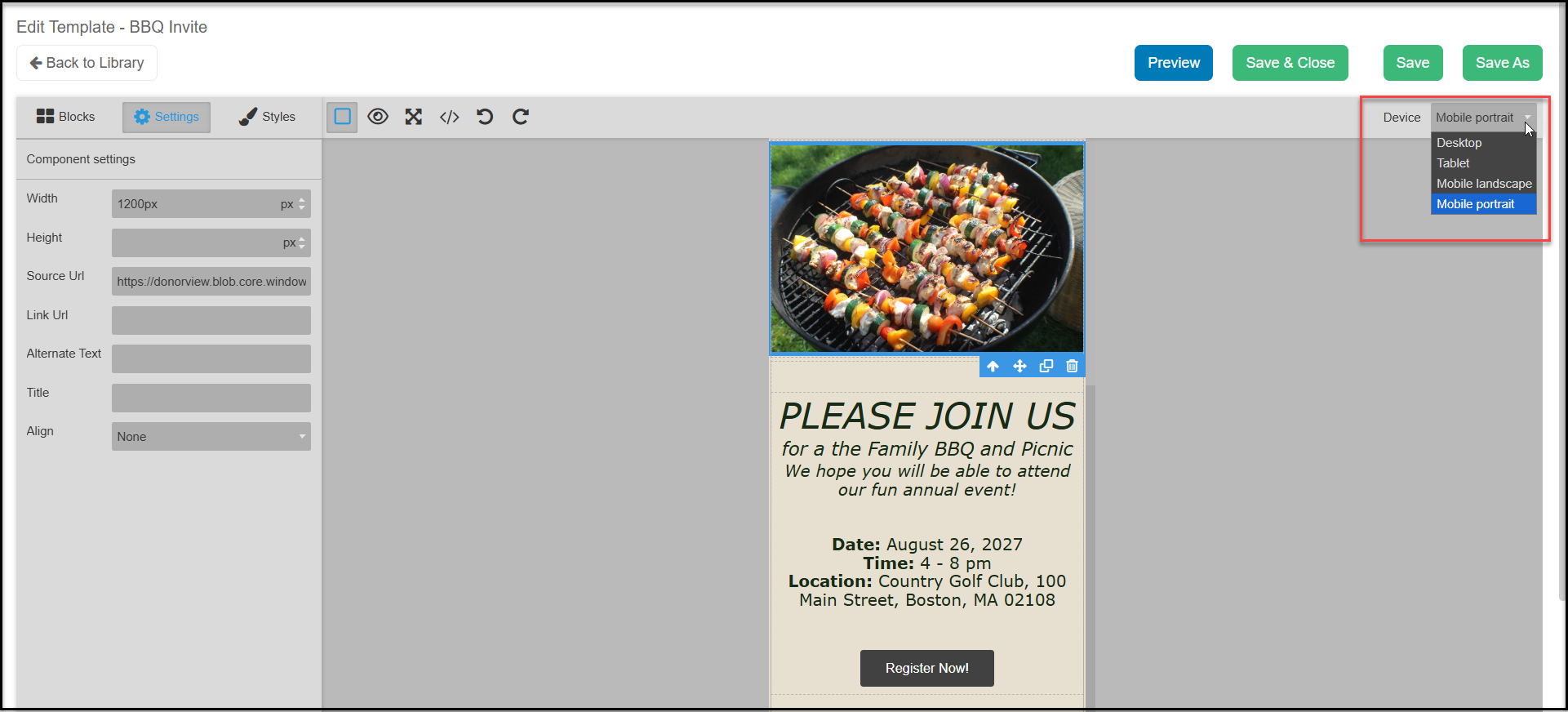
The software will also automatically scale the pictures for mobile viewing, which you can see using the preview drop down in the upper left corner.
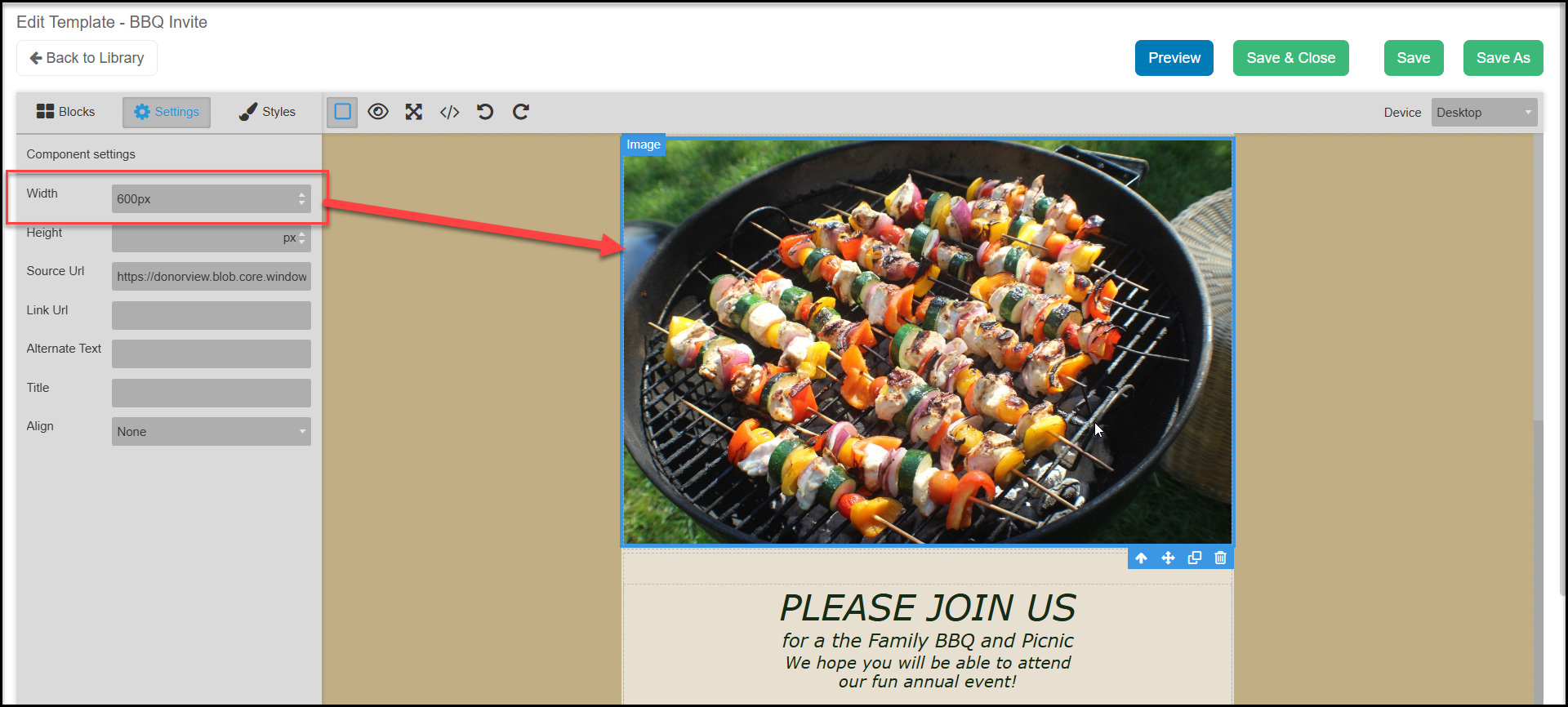
Using the Setting function, you can adjust the width and height of an image, just keep in mind that if you change one from its original size, it may stretch or shrink the image out of shape. If you only change the width, the software will maintain the original size ratio for the image, so changing the height would not be necessary.
If the change was just made, you can click on Undo to return to the original size, or use the small white arrow keys at the end of the height and width boxes to adjust the size.