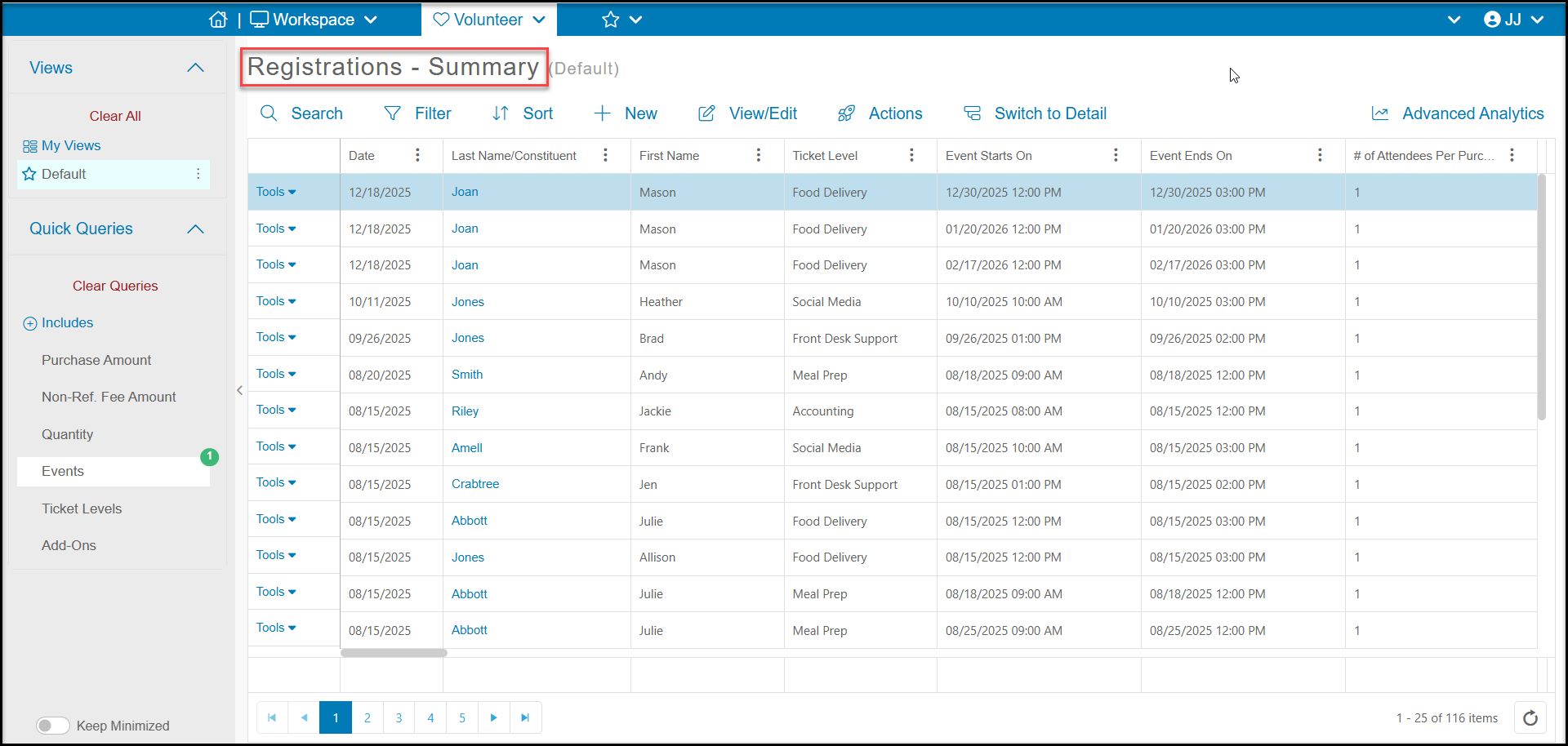
If you have set up your volunteer event using an event page, you can see all registrations on the Registrations grid. This will tell you which constituent registered and for which days and levels they registered for.
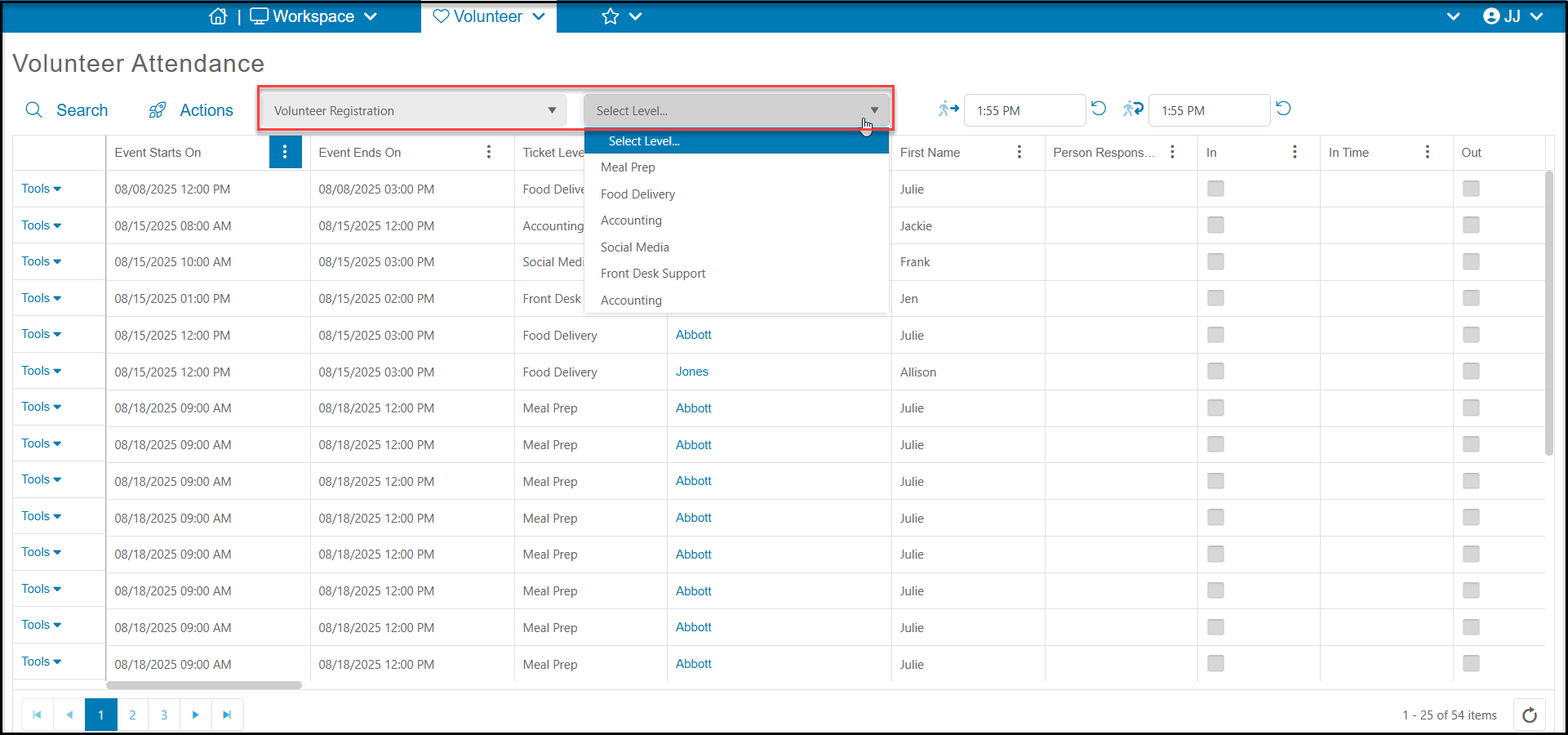
If you need more attendance details, you can also see a list of all actual attendees on the Attendance grid. The column Last Name/Constituent will indicate the name of the registrant (the individual or company that completed the form) while the Actual Attendee fields will indicate the name of person who is scheduled for the activity. The Attendance grid will also allow you to see the answers to Attendee Info Field questions and allow you to check your volunteers in and out for their shifts.