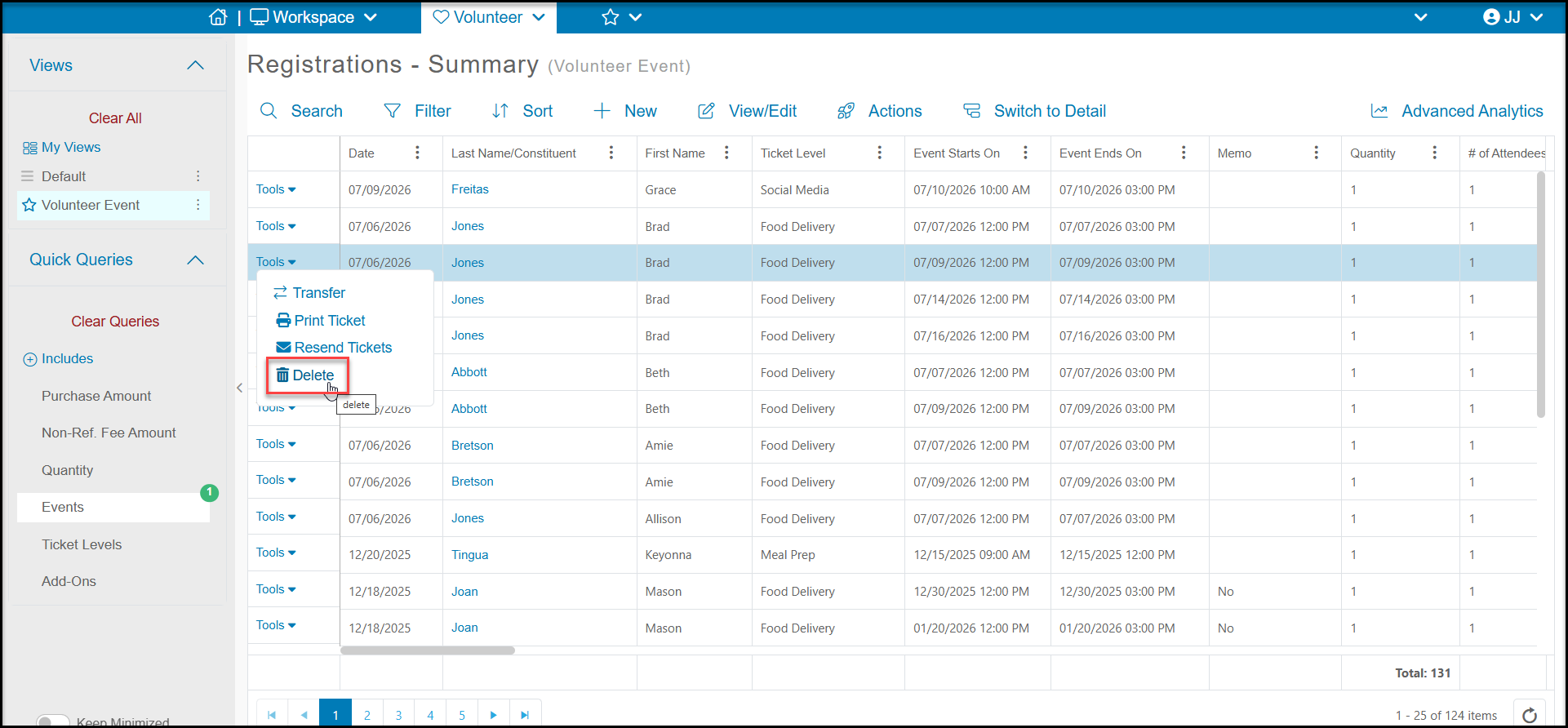
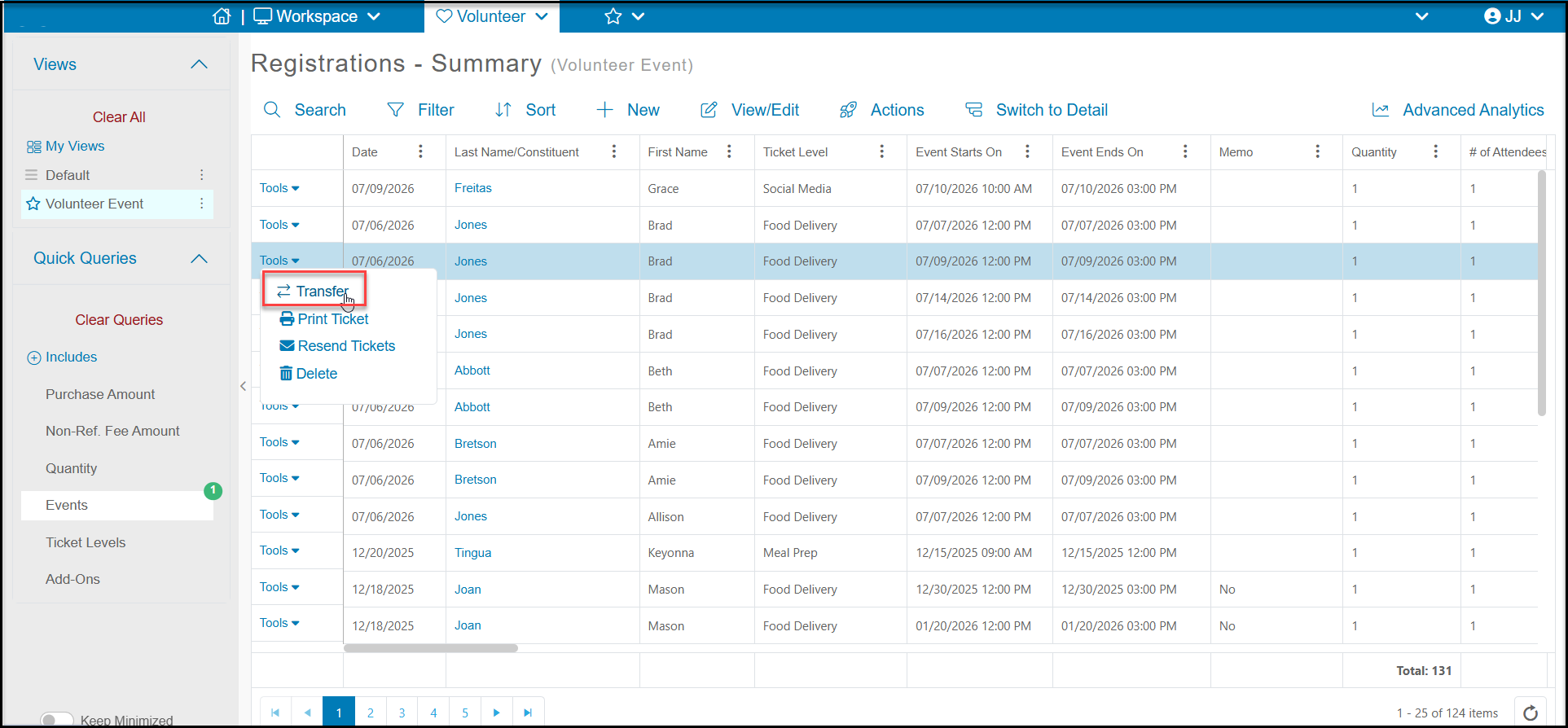
You can change a volunteer registration as long as it is changed to another date in the same recurring event page or another level on the same event page. On the main Registrations - Summary grid click the Tools link for the desired transaction and click “Transfer”. The transfer feature cannot be used to transfer the ticket to another constituent or to a different event page and a transfer can only be performed once. Once a level transfer has happened, it cannot be undone or changed to a different level again.
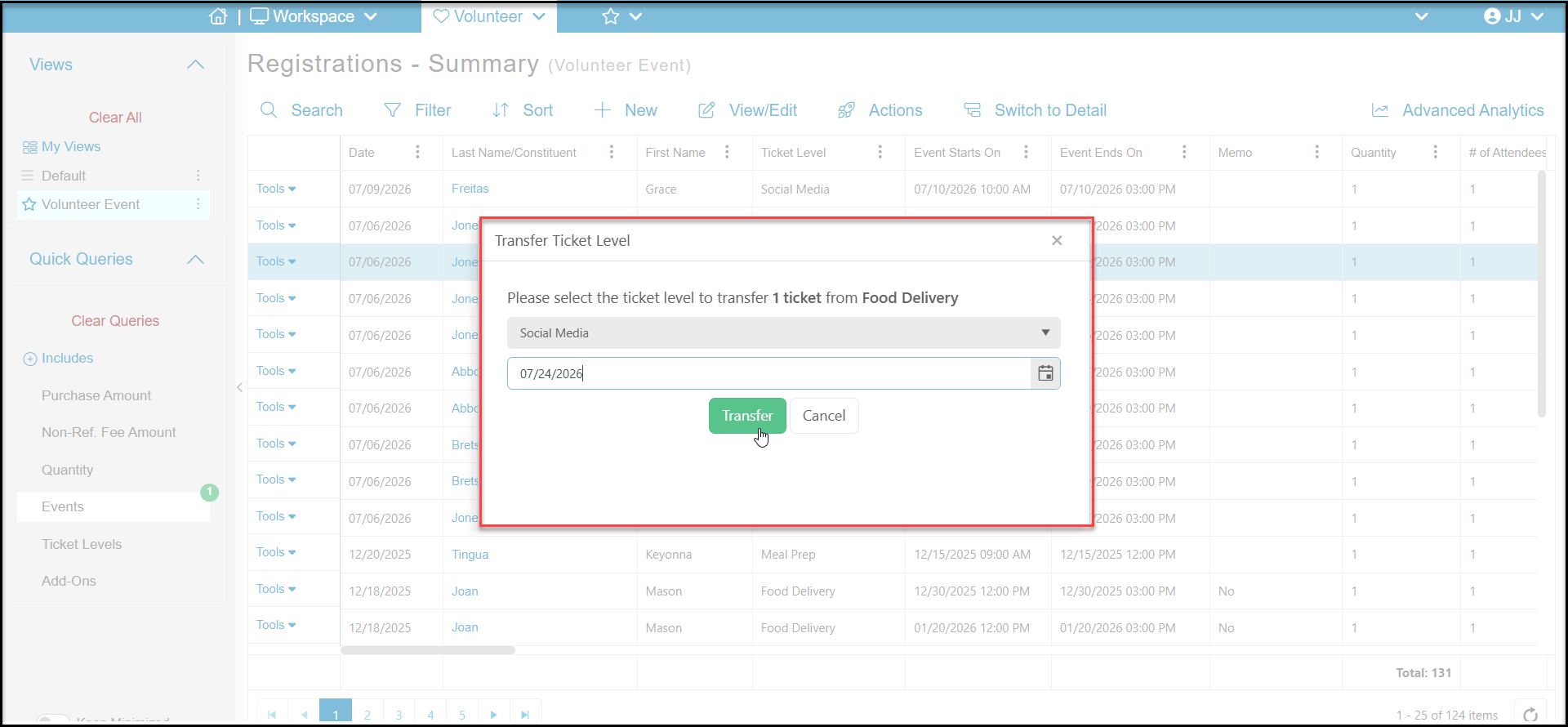
A new window will launch offering a picklist where you will then be able to select which Event Level the transaction should be transferred to. For recurring Events were a Event Level is available across multiple days you can also transfer the start date for the level. After making your selection(s) you can click the Transfer button to complete the transfer.
This transfer will also impact the available quantity of both levels for your volunteer event. Increasing the available quantity of the level you are transferring away from and decreasing the available quantity of the level you are transferring to.
For transferring a volunteer registration to a new day or level on a different event page, you can register the volunteer for the new shift using the volunteer event page or the volunteer module's Scheduler. Once the new shift is added, then go back and delete the old registration using the Tools menu and selecting Delete to remove the old registration. Note that there is no message sent to the volunteer when the registration is deleted.