If you did not set up automated time tracking with your event level, you can still update all of the constituents who attended your volunteer event with their time tracking information using Batch Update.
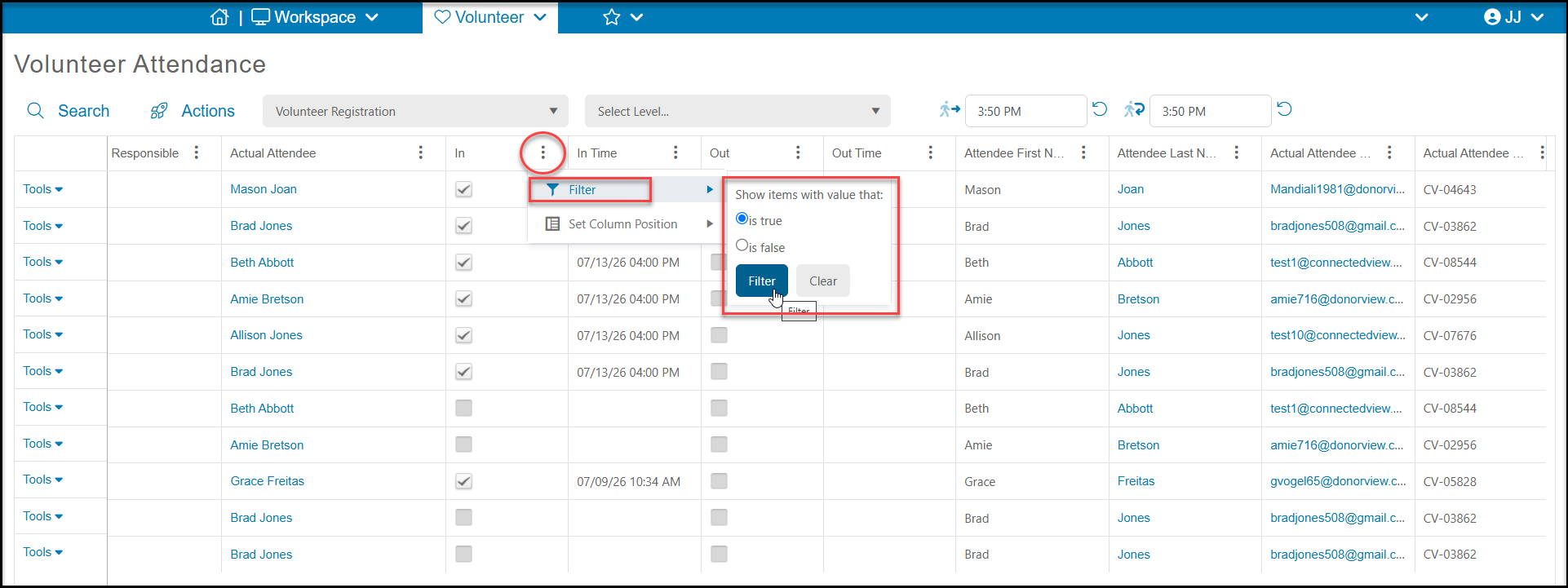
Begin by identifying the volunteers you wish to receive a time tracking record on the Attendance grid. You can add filters to the columns, for example adding "Is True" as a filter on the IN column to only include attendees who were checked in for the event.
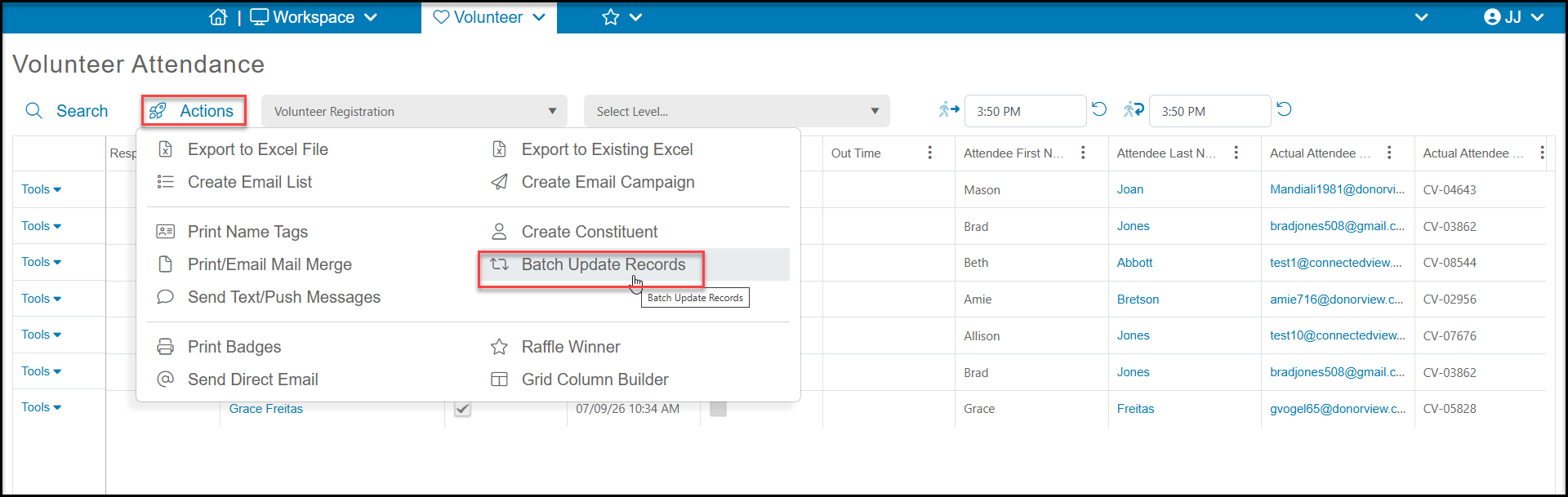
From the Actions menu, select Batch Update.
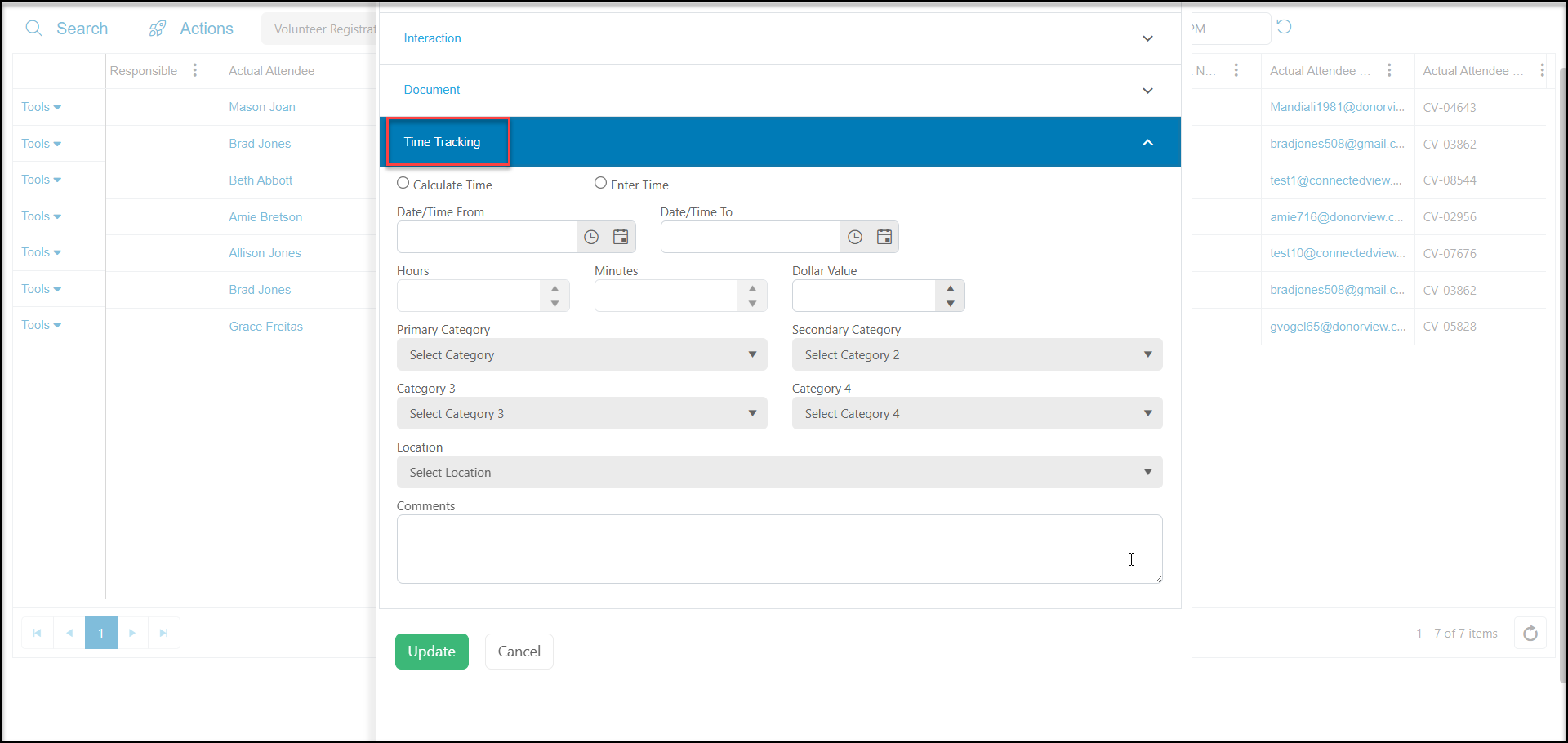
In the new window, scroll down to the Time Tracking section. You can enter all the appropriate time tracking information and click Update to update all the attendee records shown in your view with this time tracking record.