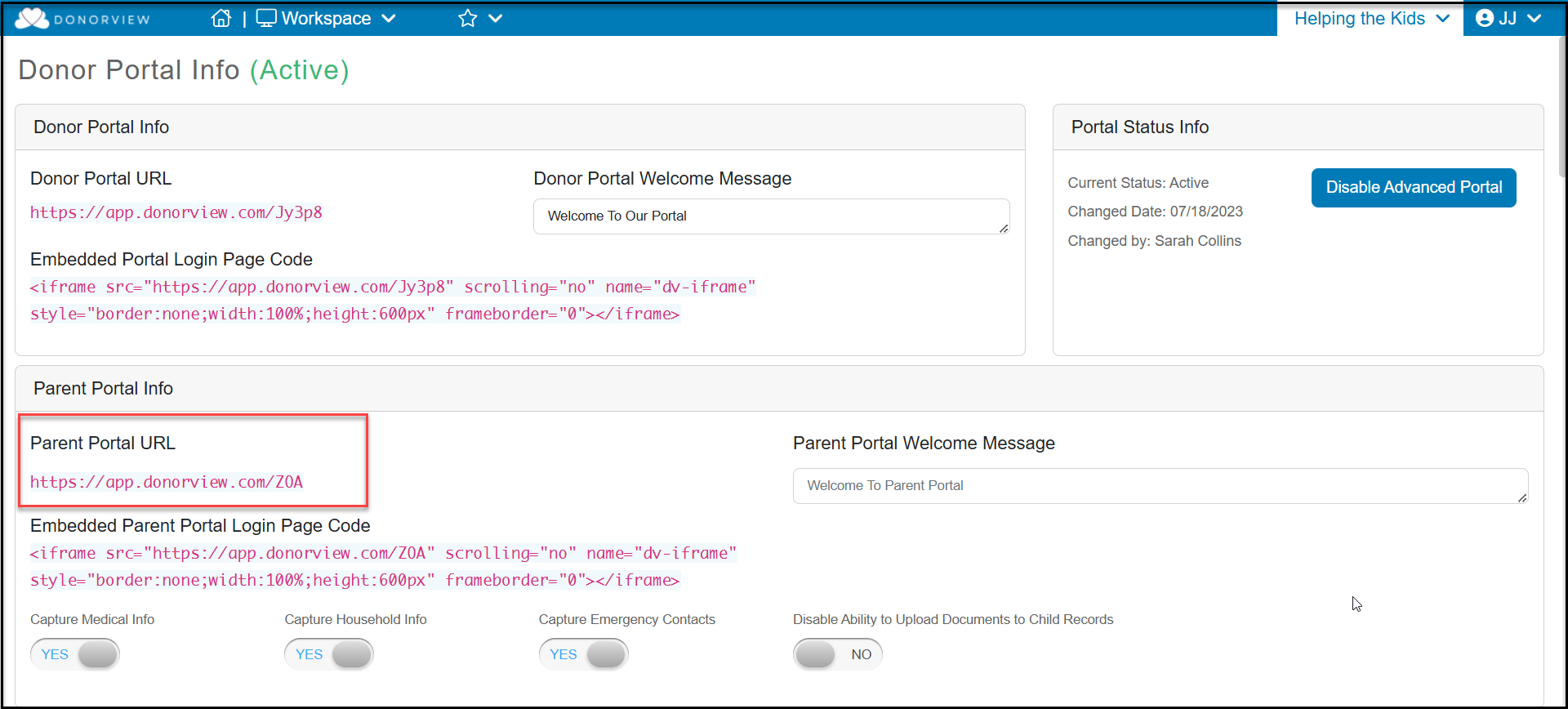
If you have the Youth Membership module activated for your account, there are two ways for parents to access the Parent Portal features. The first is a direct link at the top of the page under the Parent Portal Info. This link does not require the Advanced Portal.
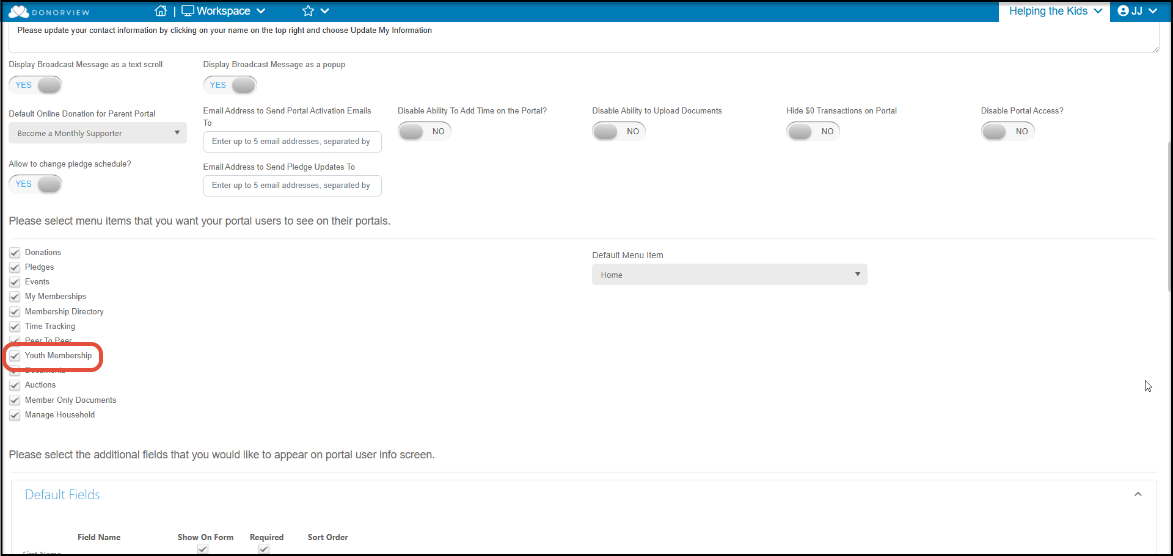
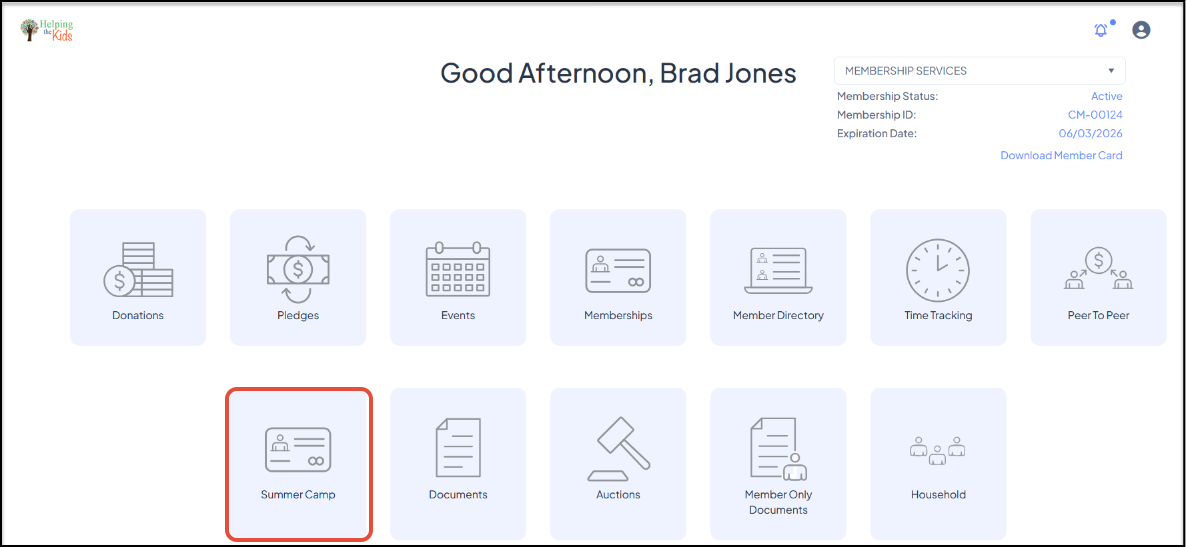
The Parent Portal layout and labels are editable, In the example below, the Youth Membership module page was renamed "Summer Camp." You can learn more about the Parent Portal in this article "How Can I Edit the Parent Portal Info Page."
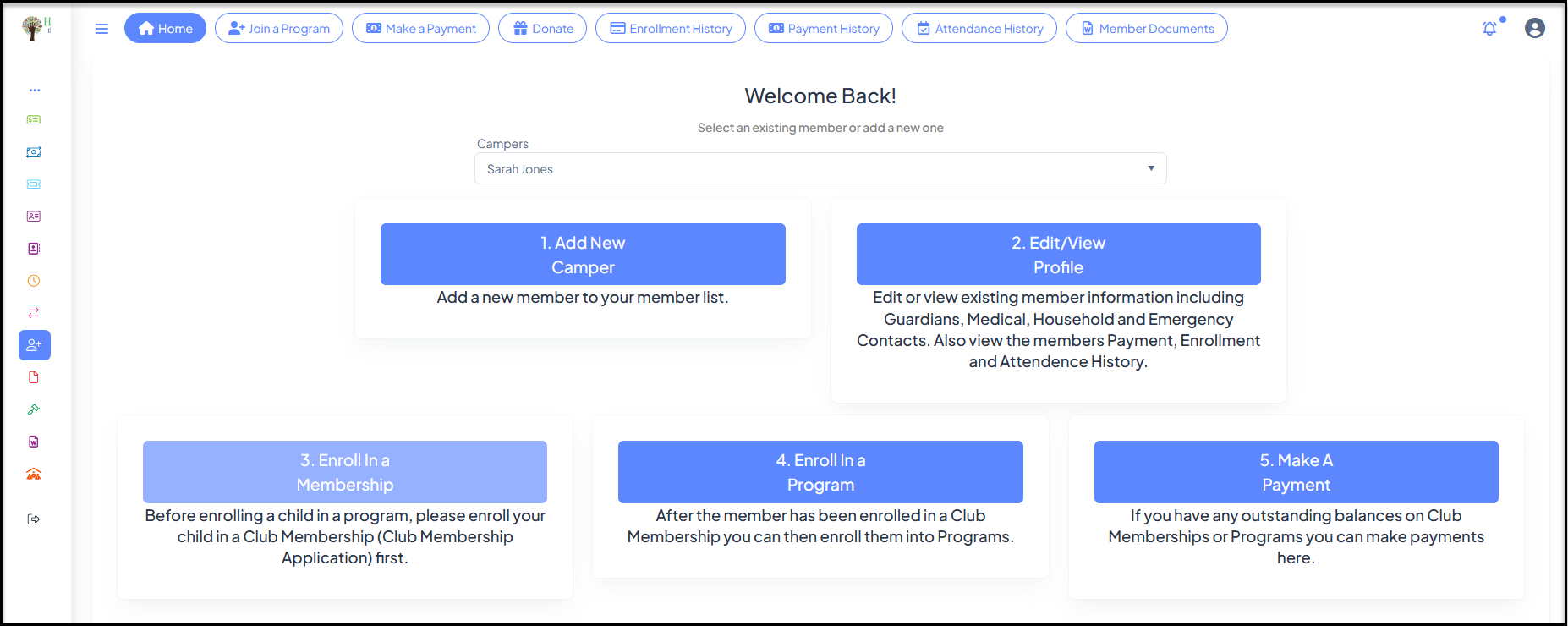
By clicking on the Youth Membership icon, parents/guardians can manage their youth memberships including adding new members, updating member information, enrolling in memberships and programs, and making payments.They can also review historical information and member documents using the menu links on the right.