
For P2P campaigns that do not require an event registration, you can share the URL or QR code from the P2P Campaign Page's Preview & Publish tab for participants to create an account and create their fundraising page. If a constituent already has a portal account, they can also access the P2P campaign by logging into their existing account.
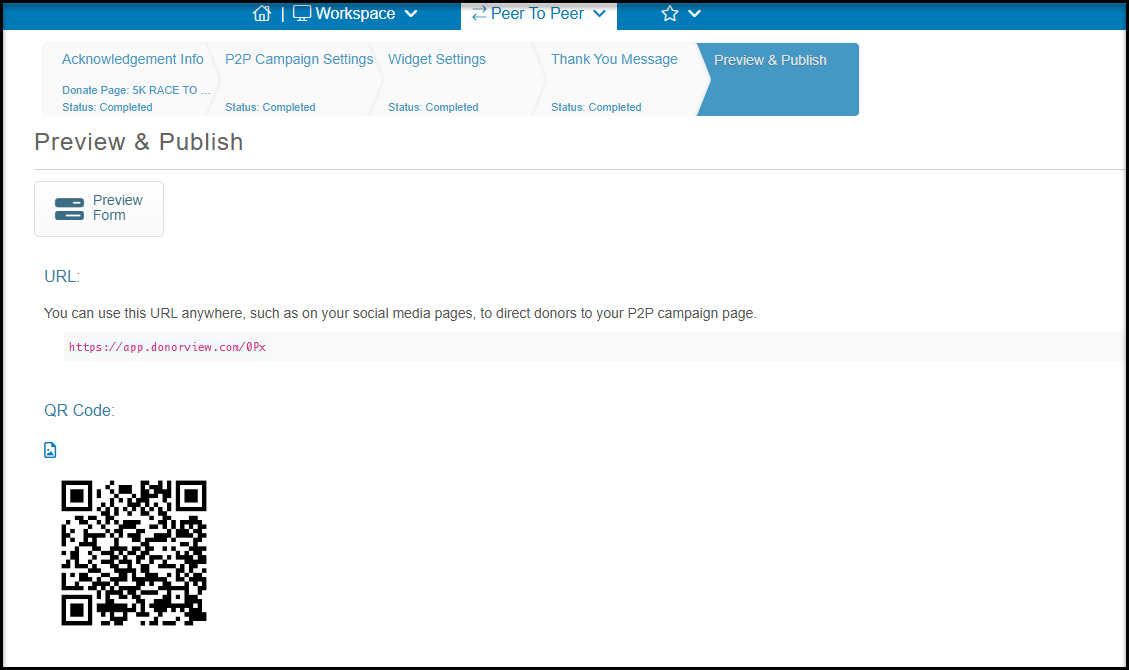
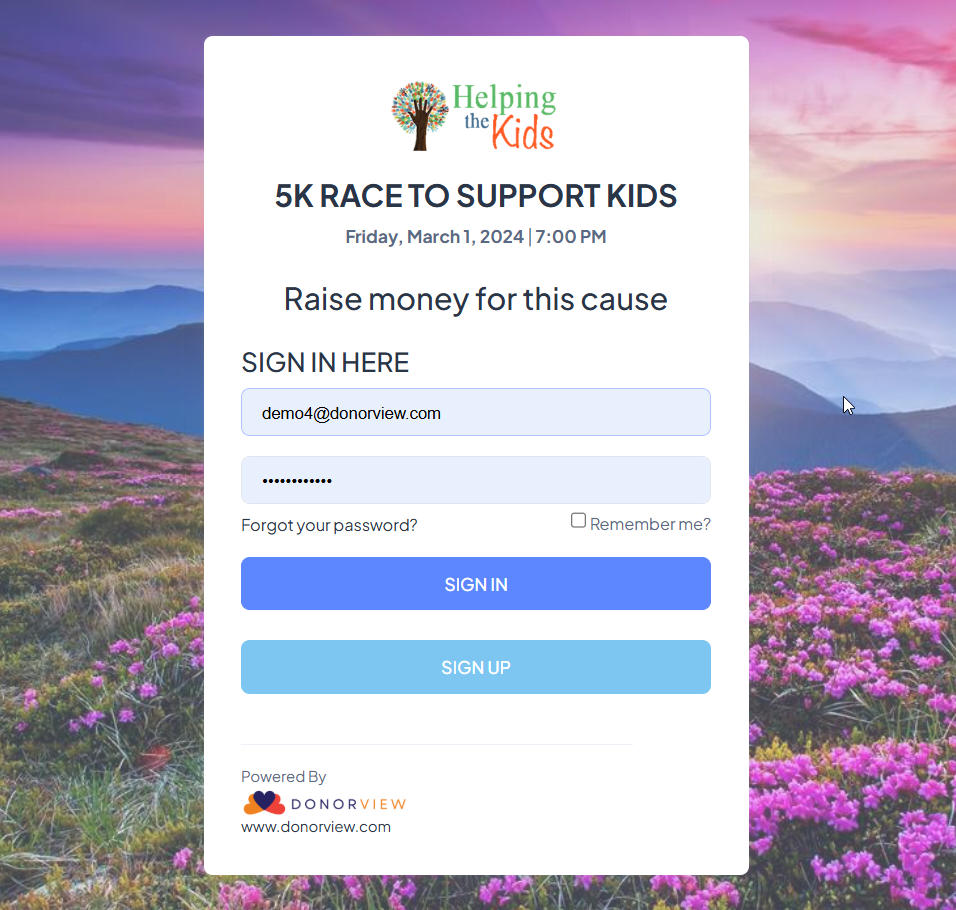
Anyone clicking on that URL or scanning the QR code will be able to create a new account or sign in to an existing account. This portal will also be branded with your organization's logo as well as the campaign name, date and address.
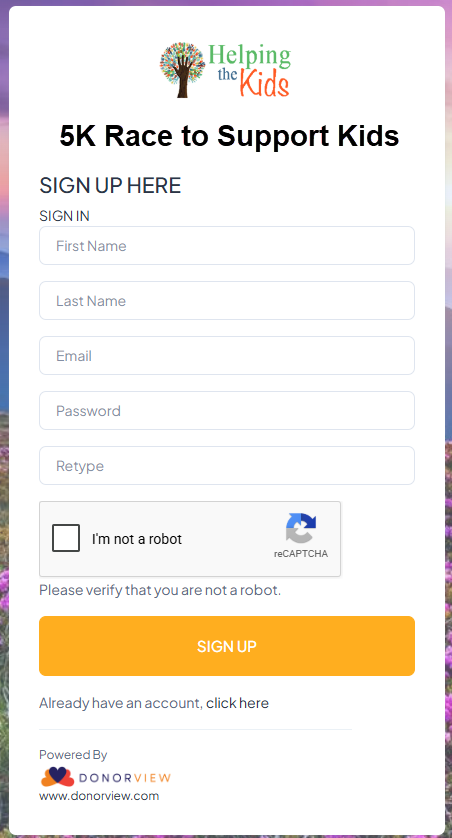
New participants will click Sign Up to be taken to create their new portal account. Existing portal account users can enter their email address and password and click Sign In to go straight to the P2P campaign module to create their page.
Once logged into the portal, the participants can create their personal page and, if they are the team leader, they can also create their team page. You can learn more about creating and editing fundraising pages in this article: https://support.donorview.com/en/support/solutions/articles/9000042021-how-does-a-p2p-participant-create-and-edit-their-fundraising-page-