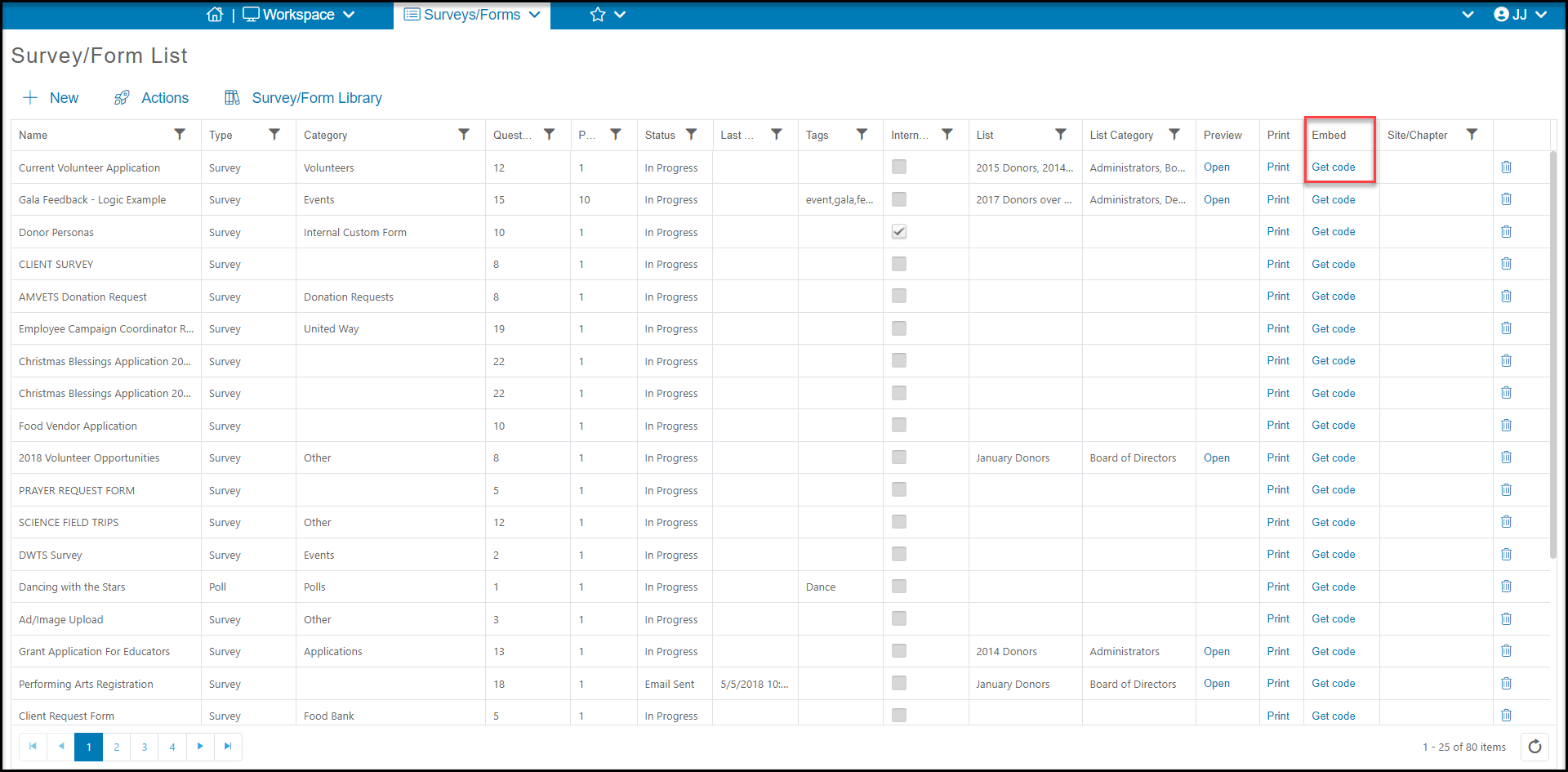
On the last step for creating a survey is the Schedule or Send tab which automatically creates a custom URL and QR code for your page. There is also an Embed Code which can be copied from the Surveys/Forms Lists grid to be embedded into your website. See more information below.
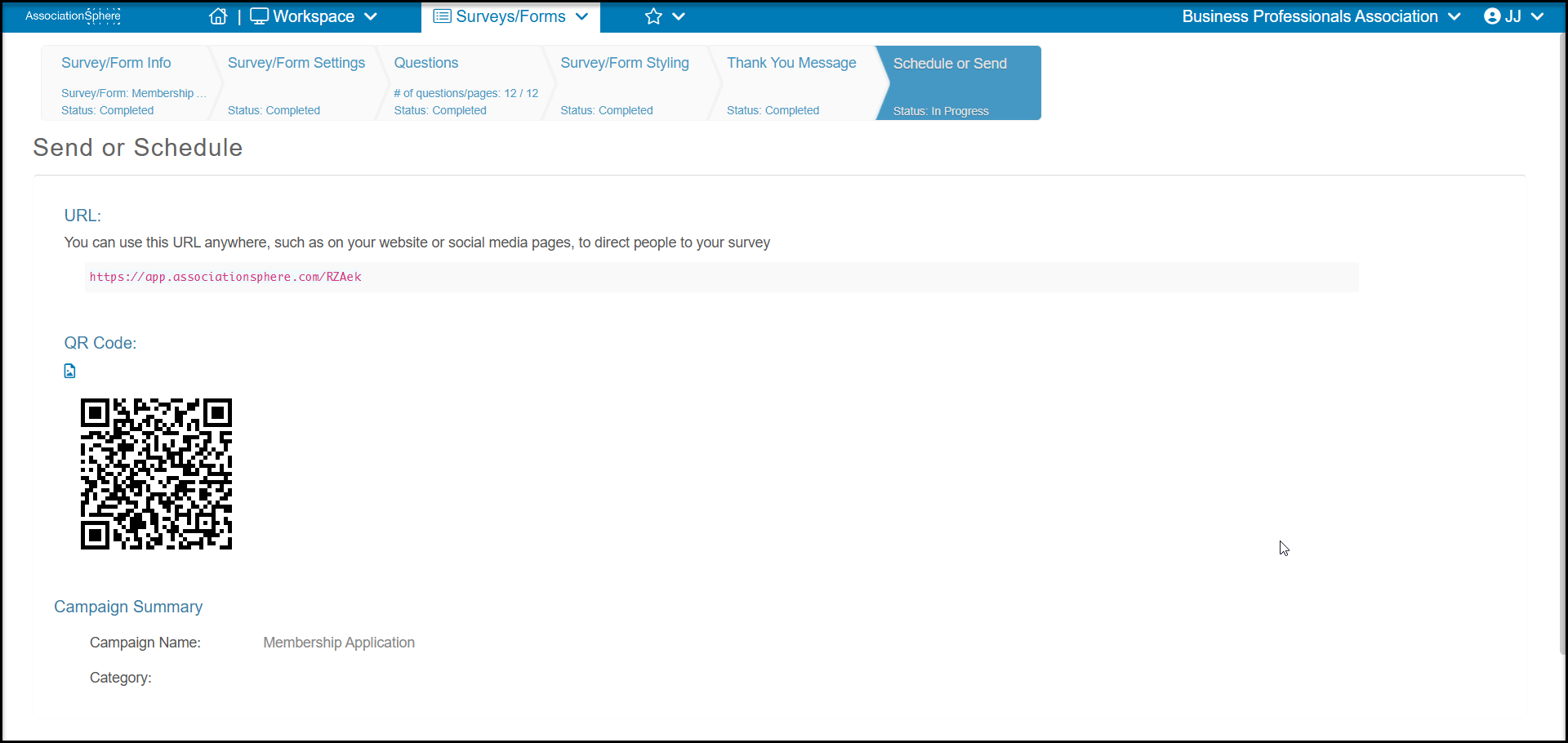
URL
A unique URL (Uniform Resource Locator) is created for your survey. You can copy and paste this complete address (including the https://) and place it on your webpage as a text link or button link to direct your website visitors to this page to complete their transactions. You can also copy and paste this URL into social media posts, emails, and text messages to share the link.
If you are a BlueHill Sites customer, including DIY customers, you can send a request to support@donorview.com to have any DonorView webpage link added to your website.
If you use another website builder/provider, here are some links to help you learn how to add this link to your website. This is not a complete list. You could also search the support documents for your provider if not shown below.
Word press:
https://wordpress.com/support/wordpress-editor/links/
https://wordpress.com/support/wordpress-editor/blocks/buttons-block/
Wix:
https://support.wix.com/en/article/wix-editor-adding-a-link-to-a-button
Squarespace:
https://support.squarespace.com/hc/en-us/articles/206543907-Button-blocks
Bluehost:
https://www.bluehost.com/help/article/website-builder-add-links
Web.com:
https://websitebuildersupport.web.com/article/344-adding-links-to-your-site
Go Daddy:
https://findhelp.wsb-estoregodaddy.com/hc/en-ae/articles/360059265672-Button-Widget
Weebly:
https://www.weebly.com/app/help/ca/fr/topics/create-links
QR Code
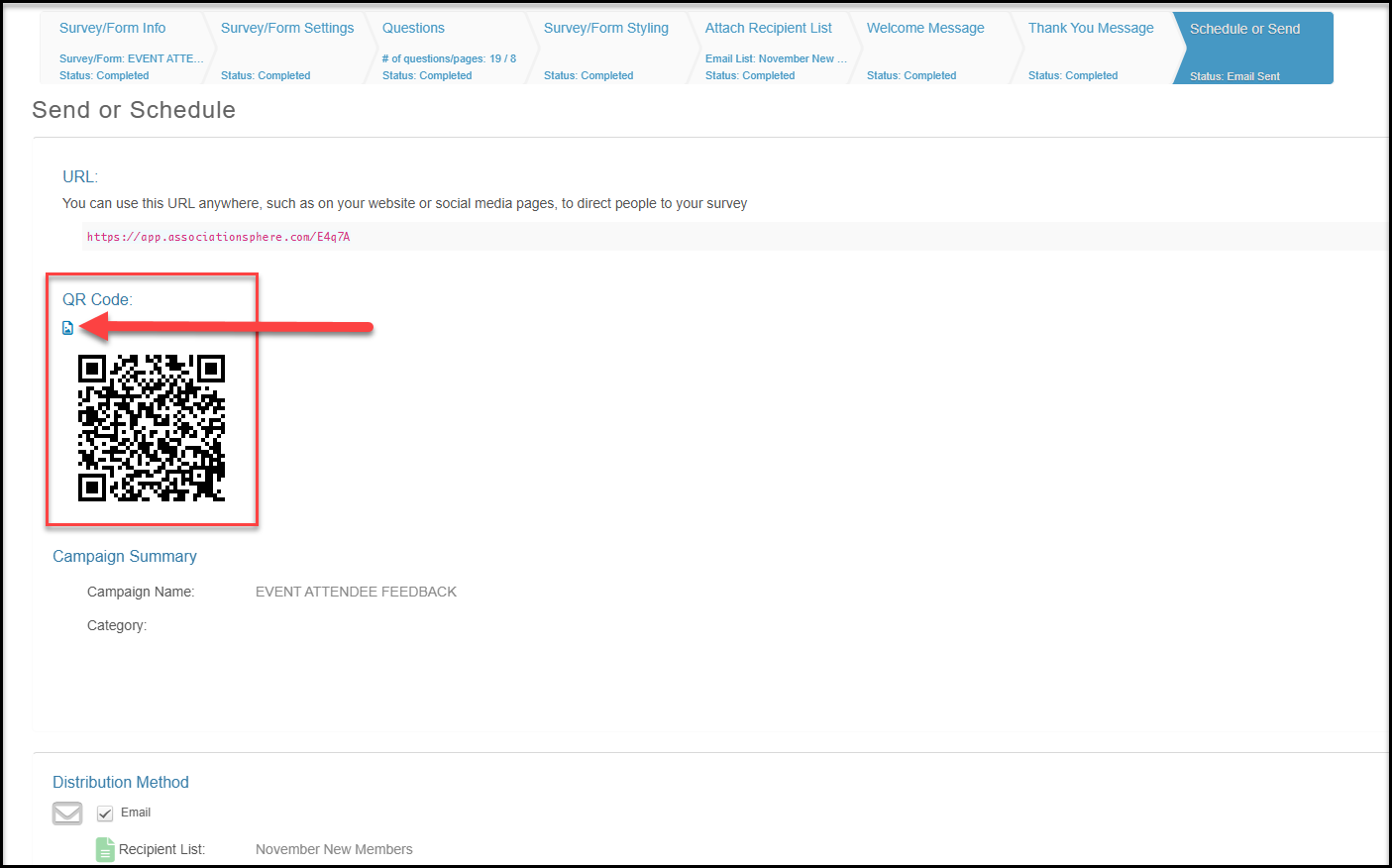
The QR (Quick Response) Code is a graphical representation of your URL, similar to a bar code. Most mobile devices have a camera with the ability to scan a QR code and direct the user to that webpage. You can download your QR code as a png image file by clicking on the image icon just above the code.
You can copy and paste this QR code into printed materials or add it as an image into websites, social media posts, or emails. When scanned, the user will be directed to a mobile-optimized version of the webpage and be able to complete their transaction on their mobile device (usually a cell phone or tablet.)
Text Messaging
If you have text messaging activated, you can create a custom Text-2-URL code from the Text Messaging Activity grid. You can learn more here: https://support.donorview.com/en/support/solutions/articles/9000272348-text-messaging-activity-actions-menu
Embedded Code
The embedded code is html code that can be inserted into your website. You can click on Get Code under the Embed column on the Survey/Forms List page.