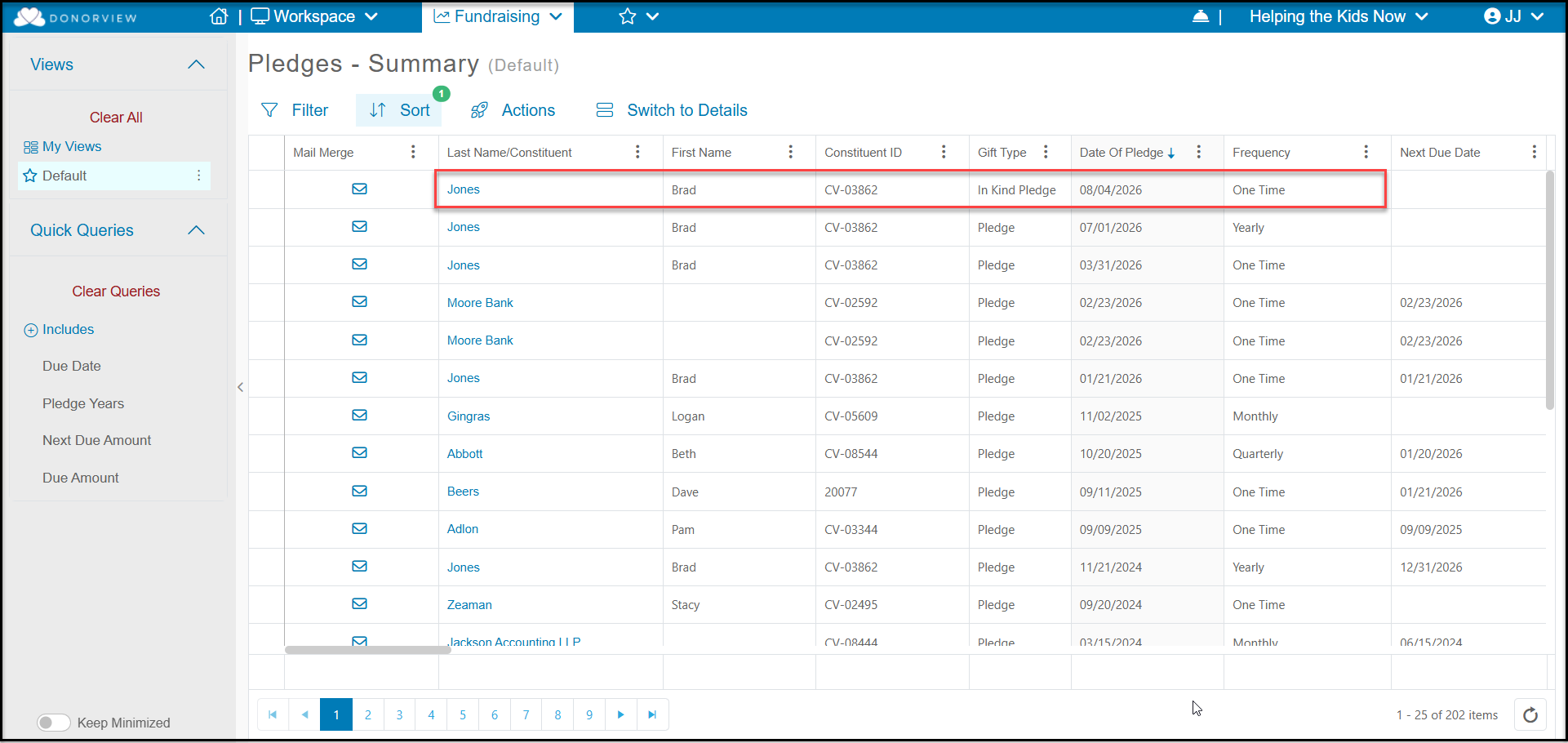
An In Kind Pledge is a commitment made by a constituent to provide goods or services in the future. Examples would be a pledge to provide 100 backpacks with school supplies before school starts or to provide air-conditioning repair services next summer.
To enter an In Kind pledge, go to the gift entry page from the Gifts grid > + New > Gift or from a constituent's Gifts tab > Add > Gift.
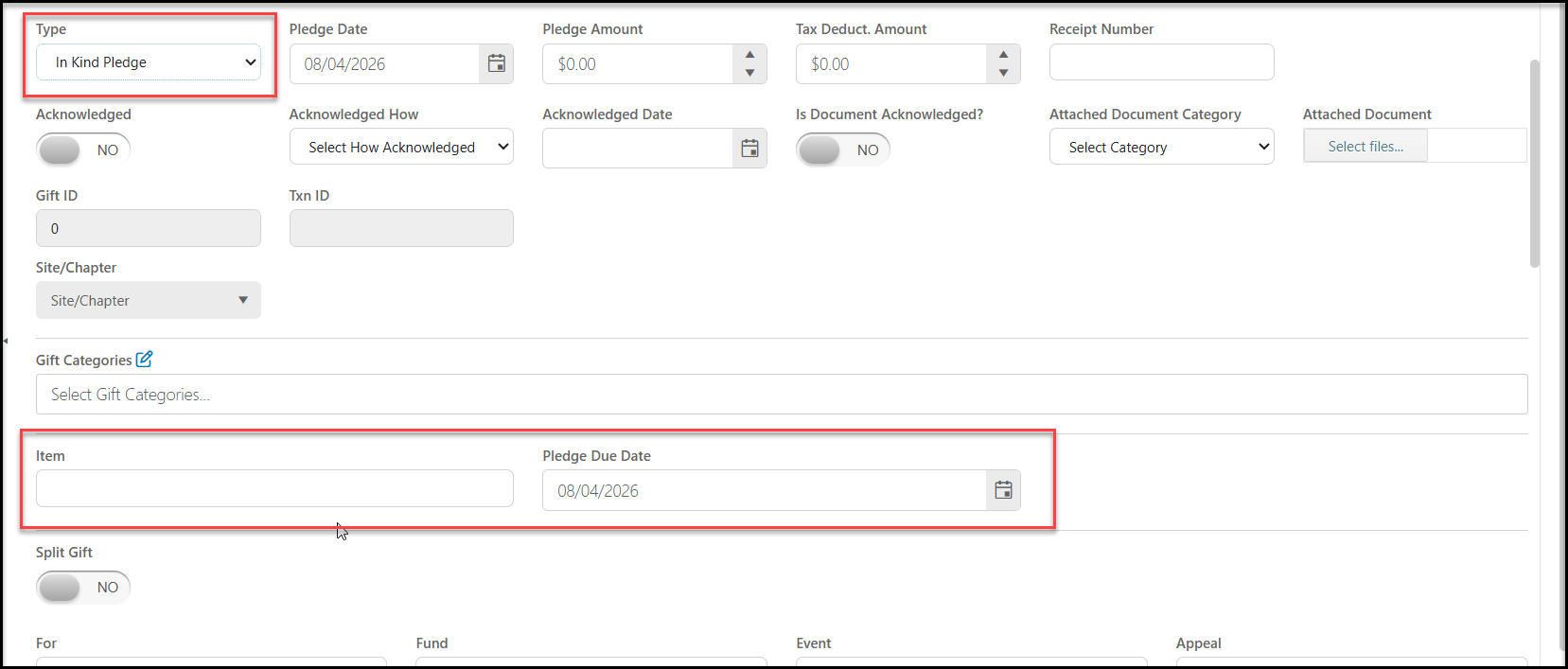
Select In Kind Pledge in the Type field and be sure to enter the Item and the Pledge Due Date. You can complete the remainder of the fields as you would for any other transaction. Click Save to save the In Kind Pledge.
In Kind pledges will appear on the Gifts grid, Pledges grid and constituent's Gifts and Pledges tab as a On Time pledge with the due date you have assigned.