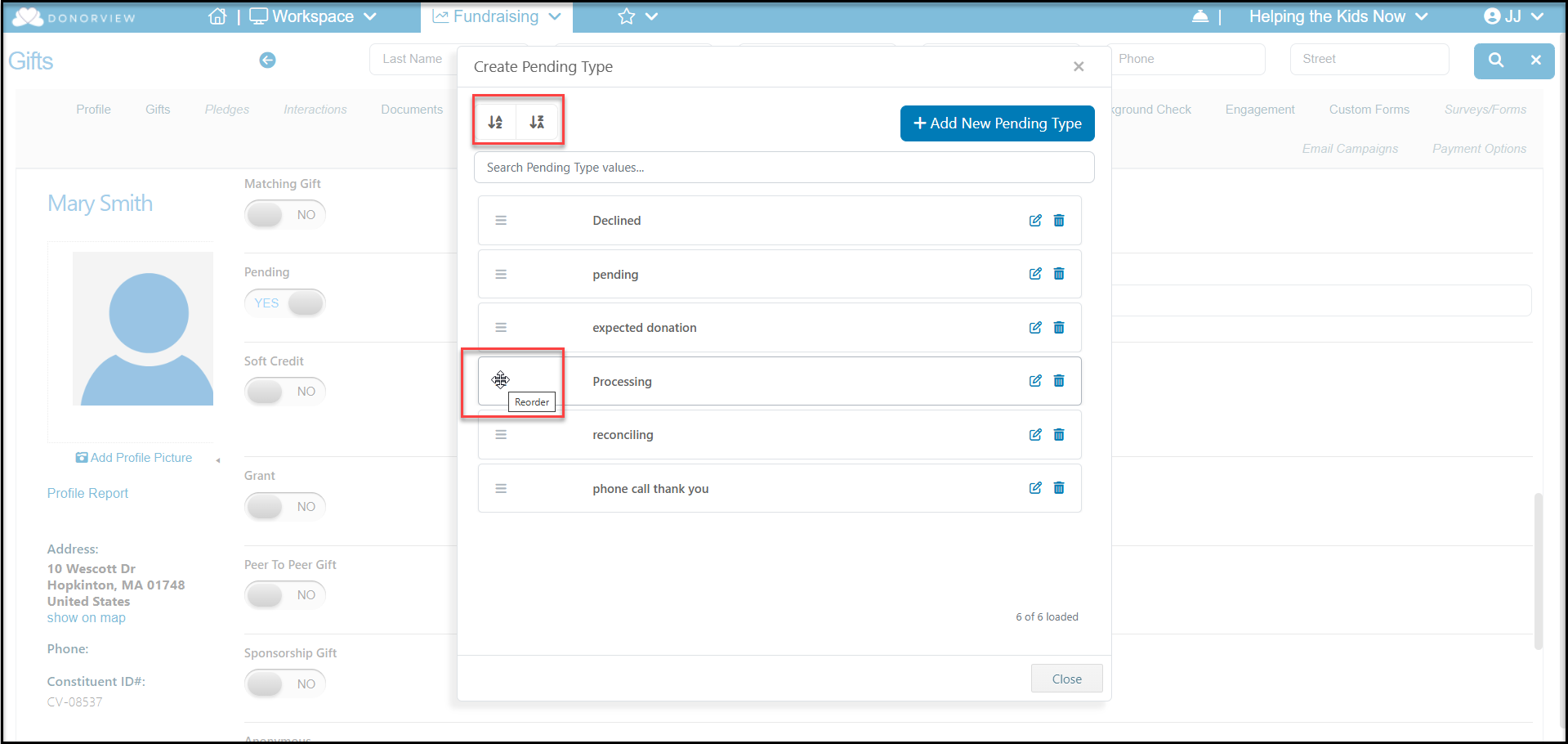
Yes, you can change the order of the pending types when adding or editing a gift. Click on the up and down arrows of the drop down box and click on “New/Edit.”
Find the value that you want to re-order and click on the icon with 3 rows that is to the left of the value. Drag the value to the new location in the dropdown and drop it in the new location. Your changes will automatically be saved. You can also use the alphabetizing buttons at the top left of the window to place your list in ascending or descending alphabetical order.
Click Close at the bottom of the window to return to the previous screen.