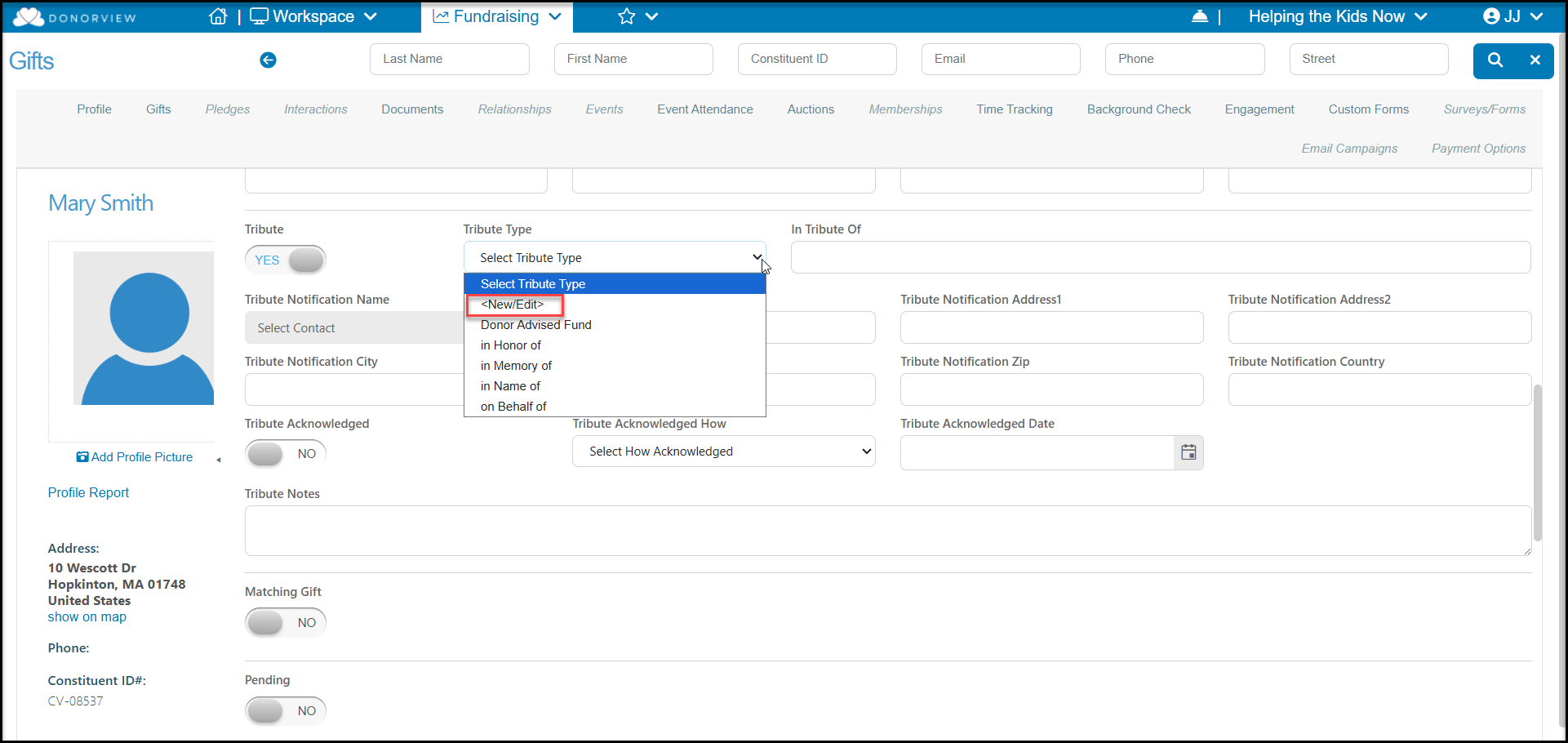
Yes, you can add edit or delete types when adding or editing a gift. Click on the up and down arrows of the drop-down box and click on <New/Edit>. You can also edit this list from the Account Settings > Options > General > Manage Picklists dropdown list.
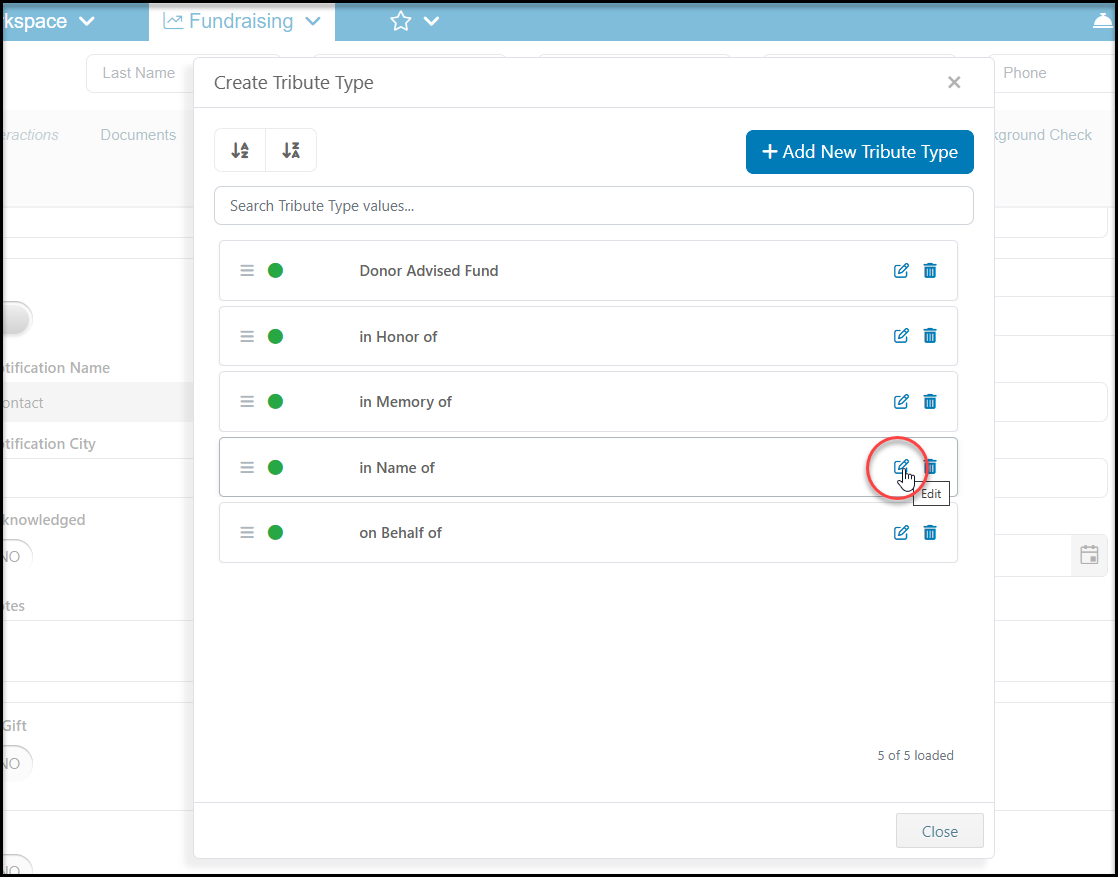
To edit a value, click on the edit icon to the right of the value you’d like to edit and make the changes necessary.
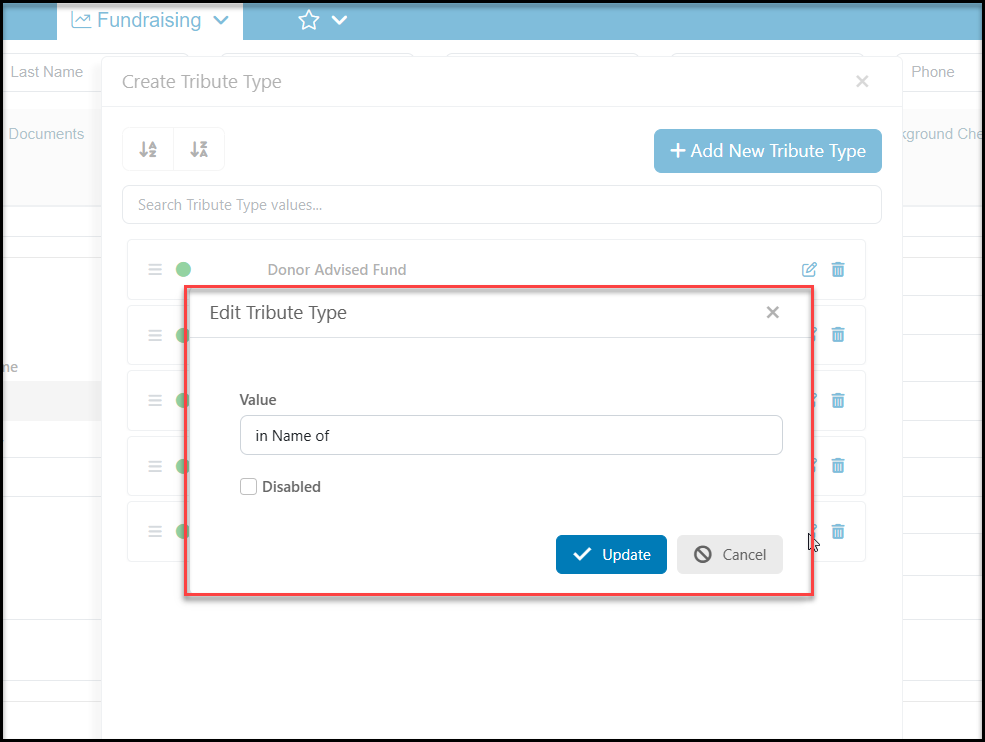
In the new dialog box, edit the Value or you can also mark this value as Disabled. This will leave any existing transactions with this designation, but it will not longer be available to select for future transactions. Click Update to save the changes.
Once you close out of the screen, those changes will be picked up in the drop-down choices.
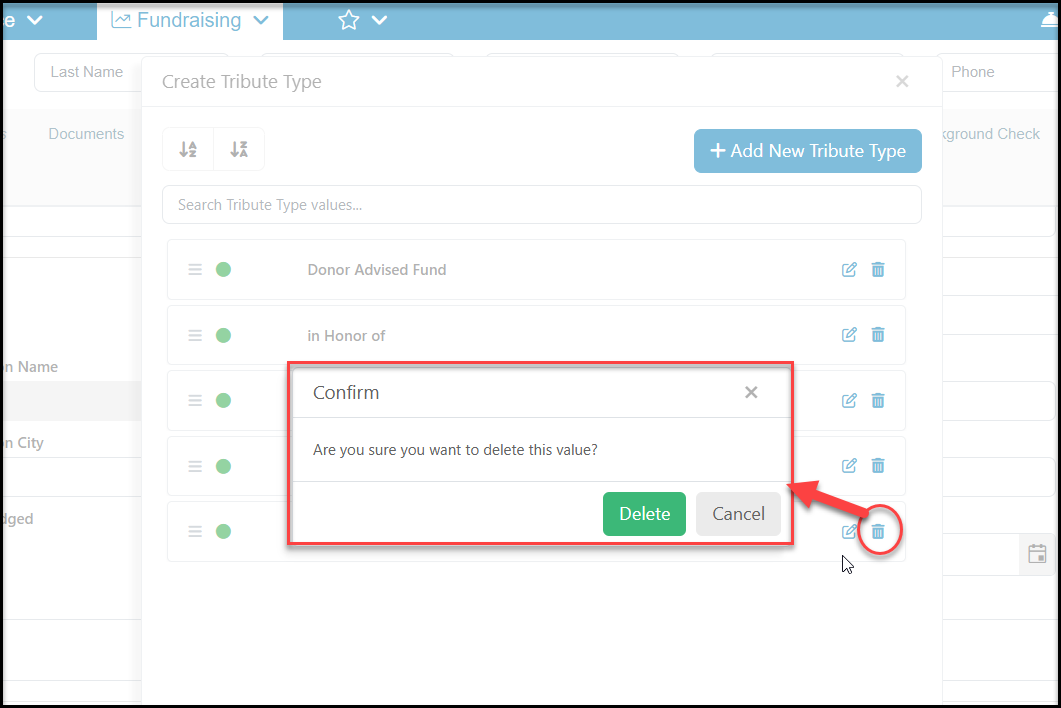
To delete a value, click on the trash can icon to the right of the value you’d like to delete.
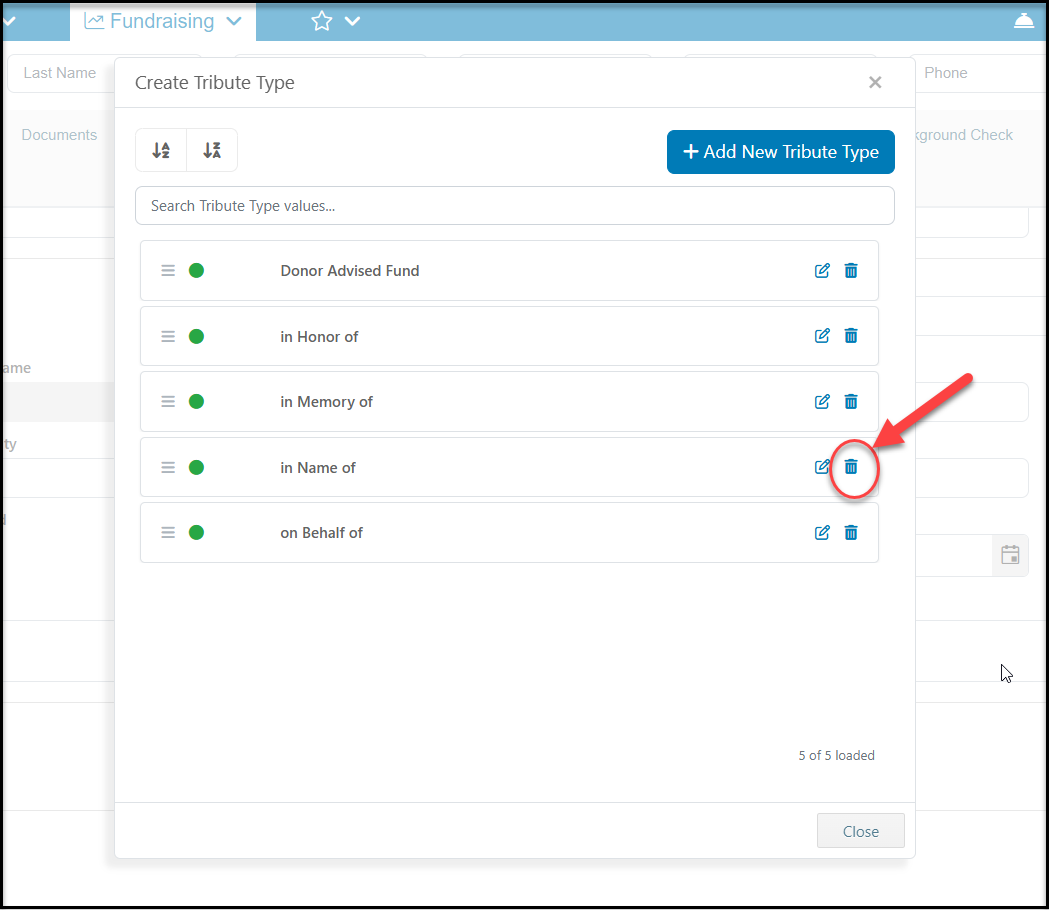
In the new dialog box, click on Delete to confirm your change. Once you close out of the screen, that value will no longer appear in the dropdown box. If the value that you are trying to delete is being used, you will receive a message that the value is in use and you will not be able to delete it. Please update any records that are using that value prior to deleting it.